-
Free worldwide shipping
-
Free returns
-
Carbon neutral
-
Secure payments
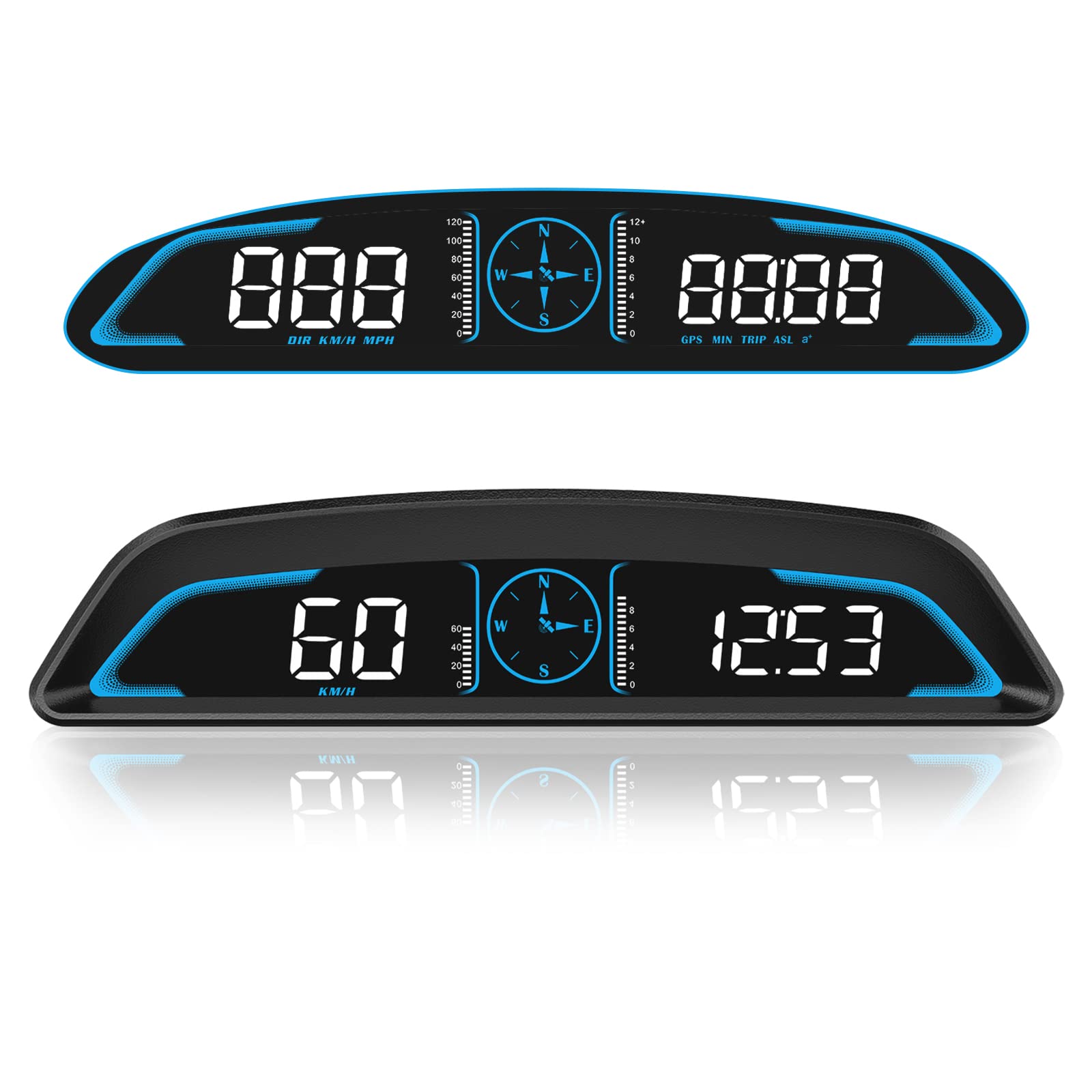
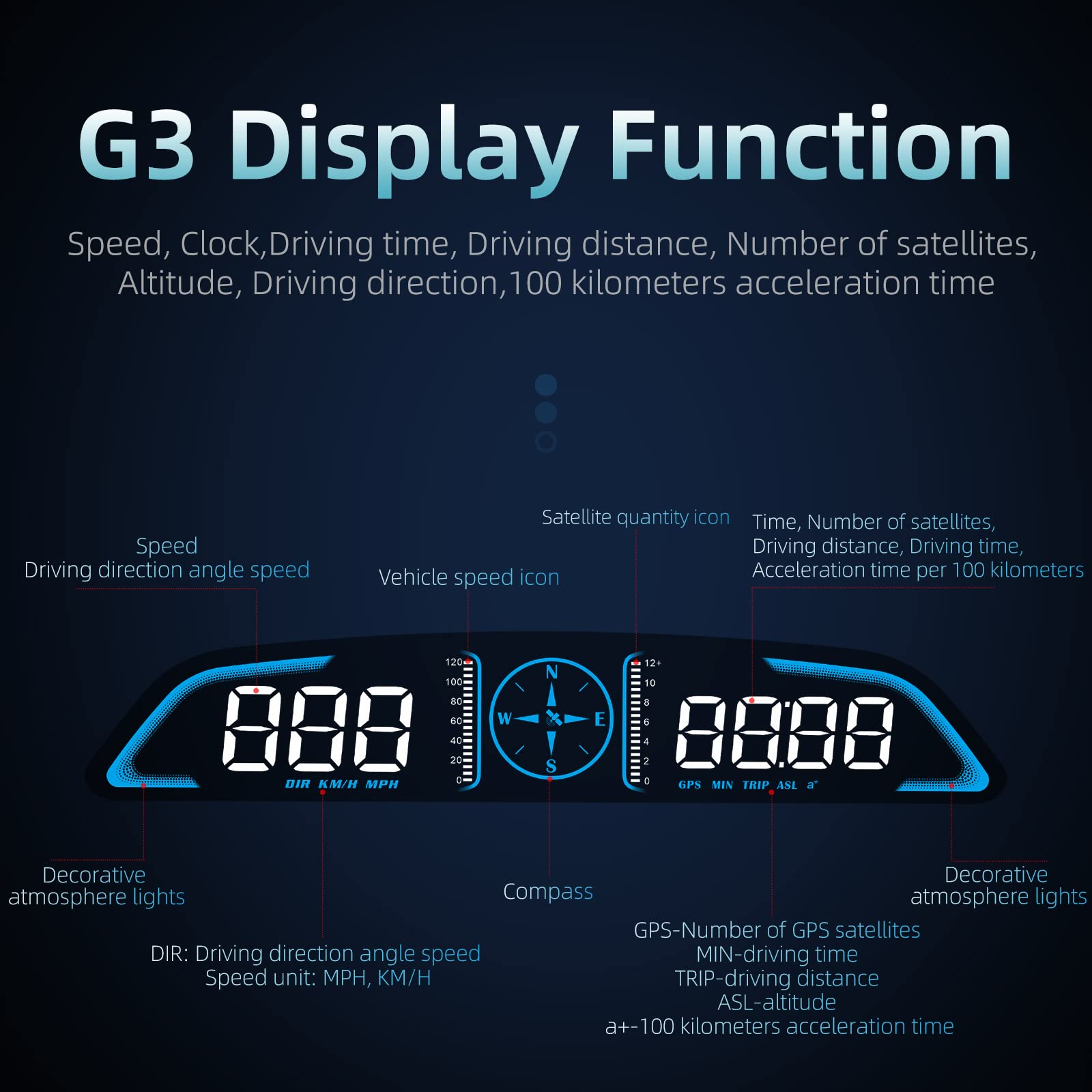
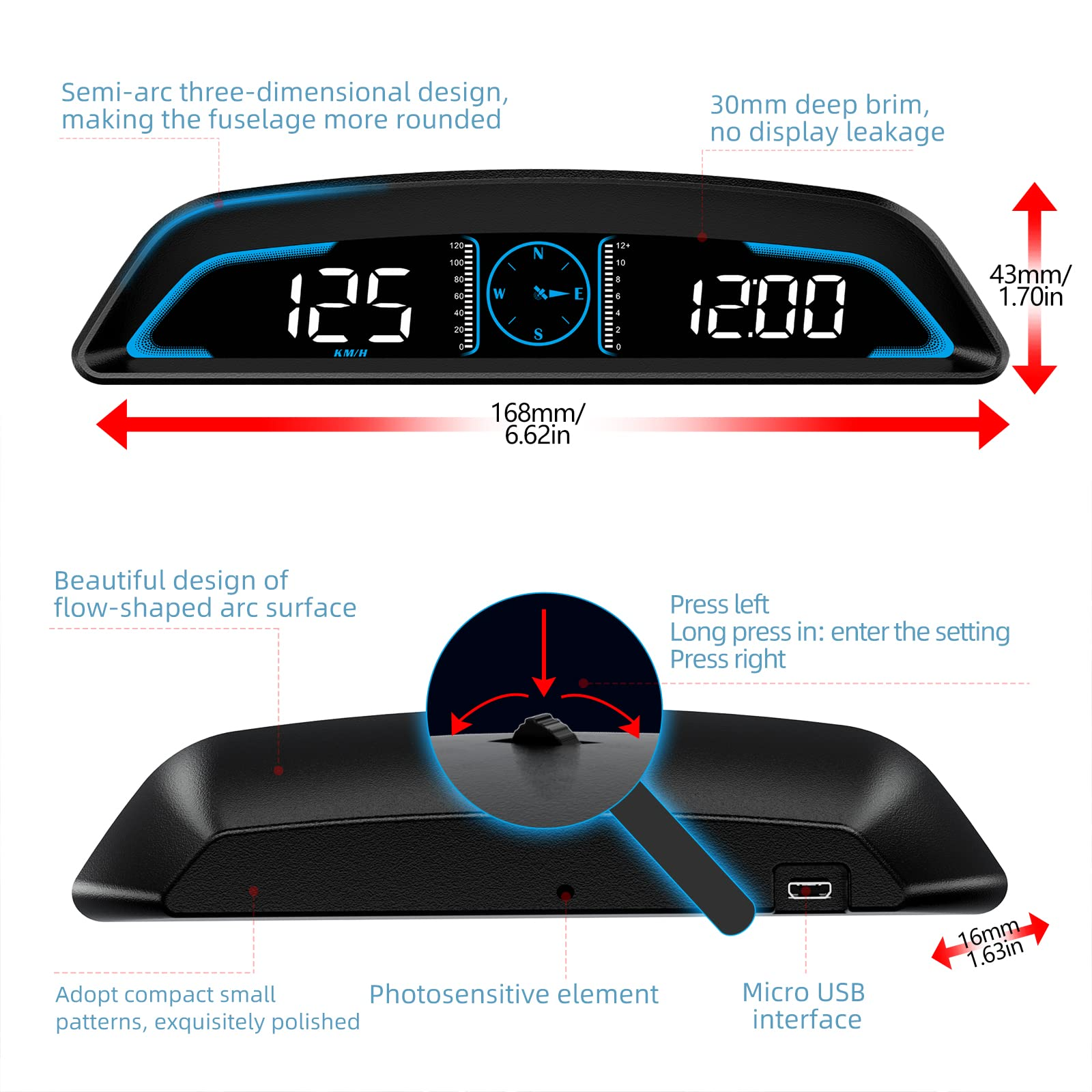
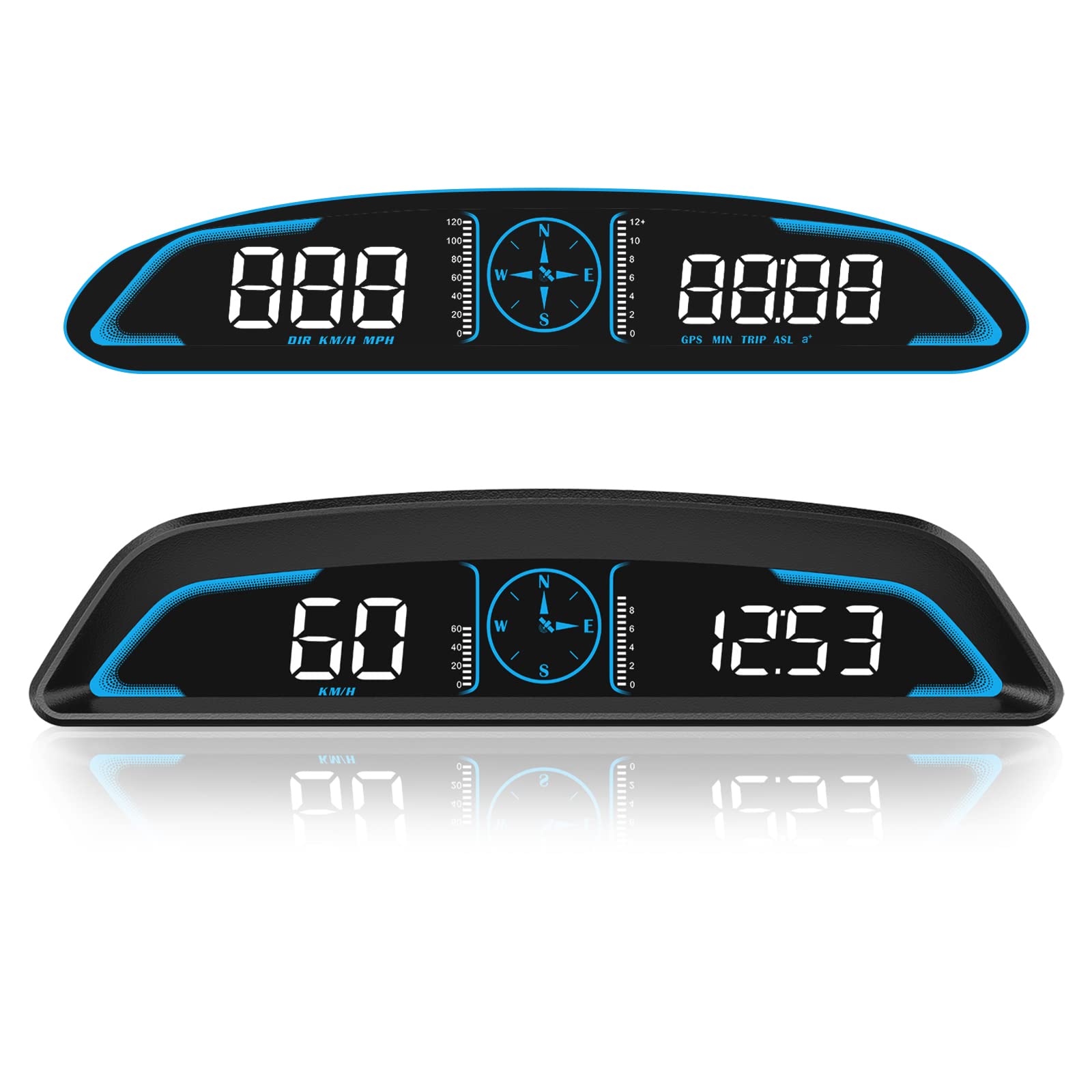
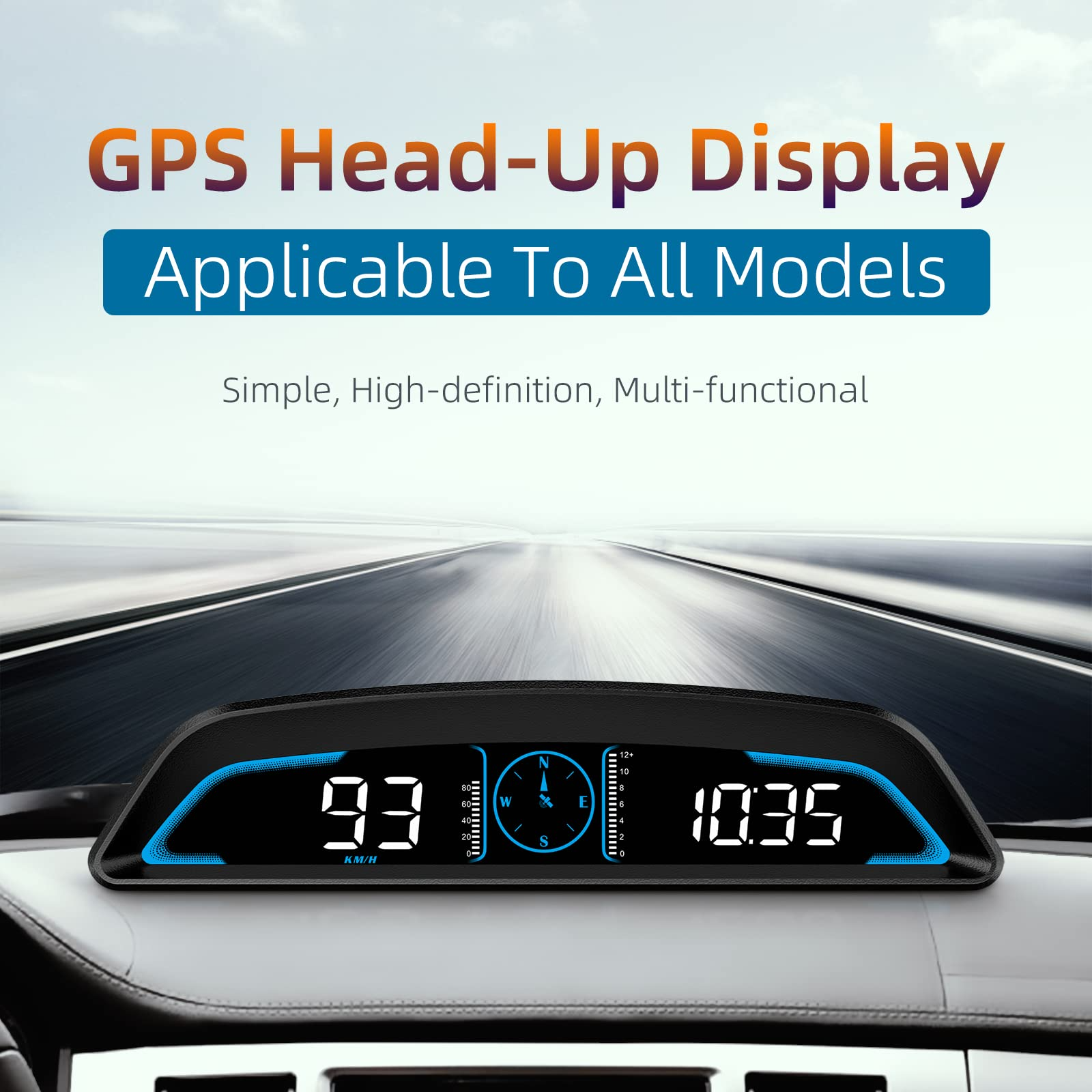
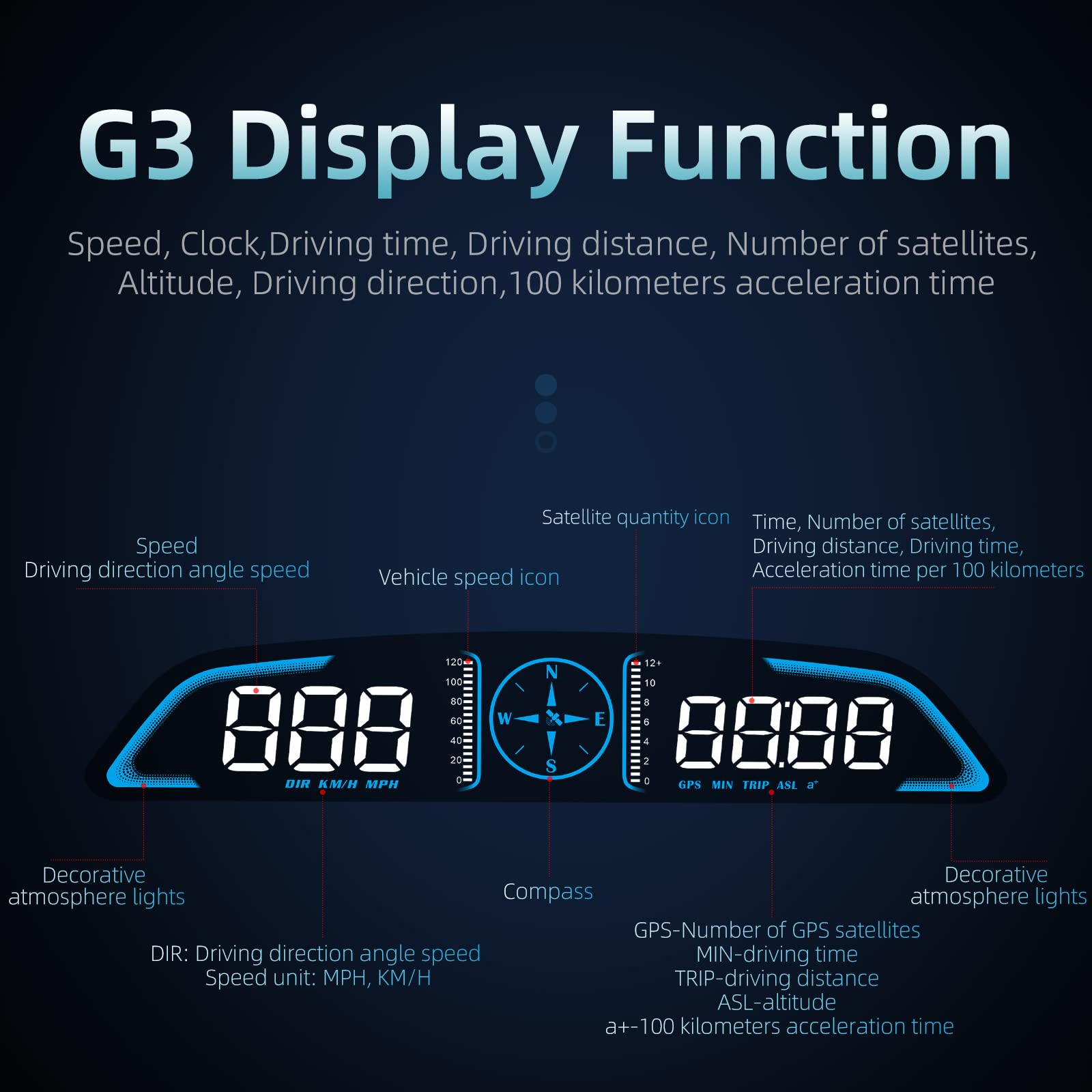
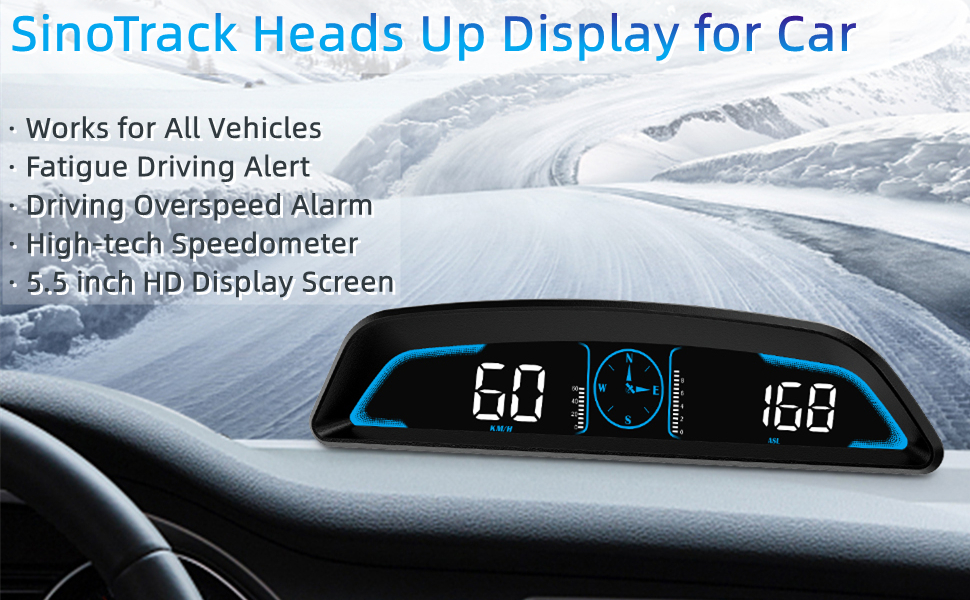
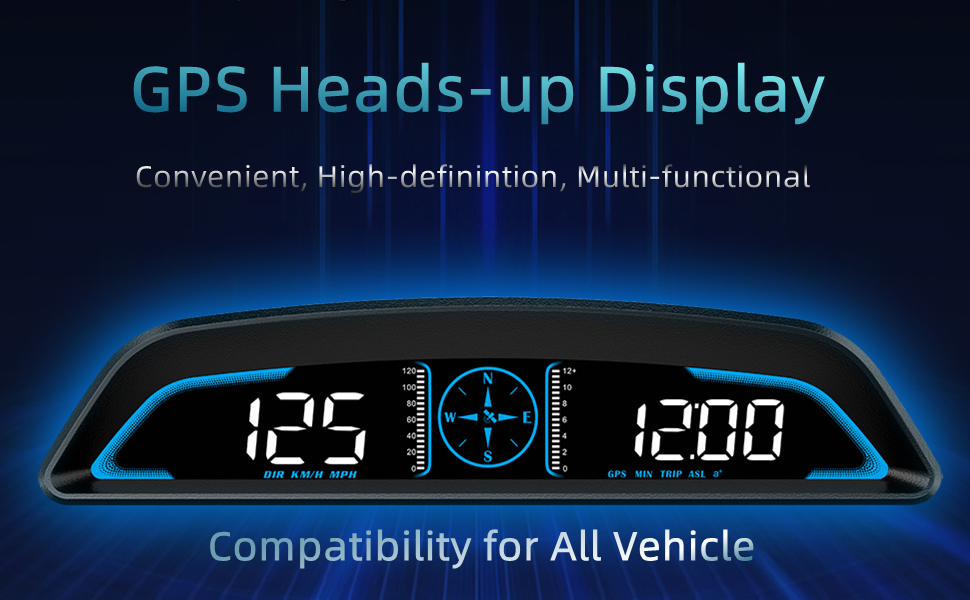
GPS Speedometer Display: 2023 latest version extra large 5.5inch screen, can display the most important MPH data and driving
time/mileage/time/direction at the same time, two scales show the speed and the number of satellites respectively, the compass
in the middle gives you the direction, satisfying all your data needs during the driving process
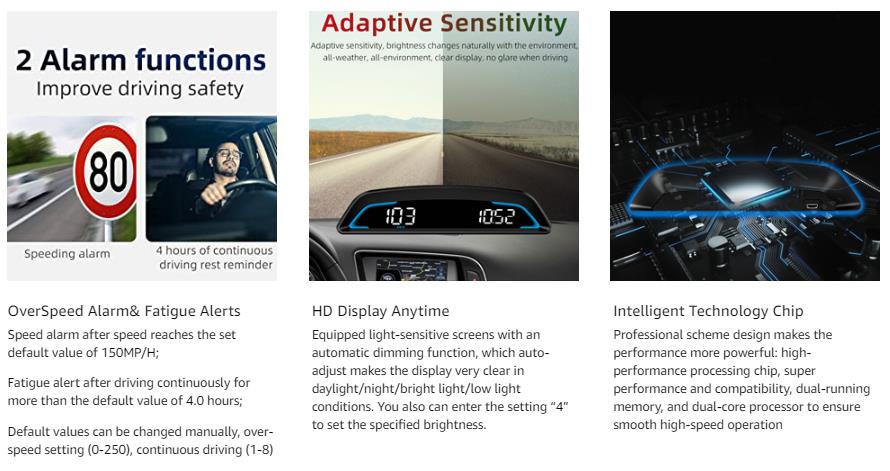
Driving Safety Alert: What is the most important thing about driving? As we all know, life safety is the first, speeding and fatigued
driving are not allowed, our car overspeed alarm HUD has two important reminders, speeding alert and fatigue driving alert, when
the speed exceeds your set value, it will emit a ticking sound to remind you so as to reduce the speed; driving time over 4 hours
will remind you to need a short break, a caring safety butler during the journey
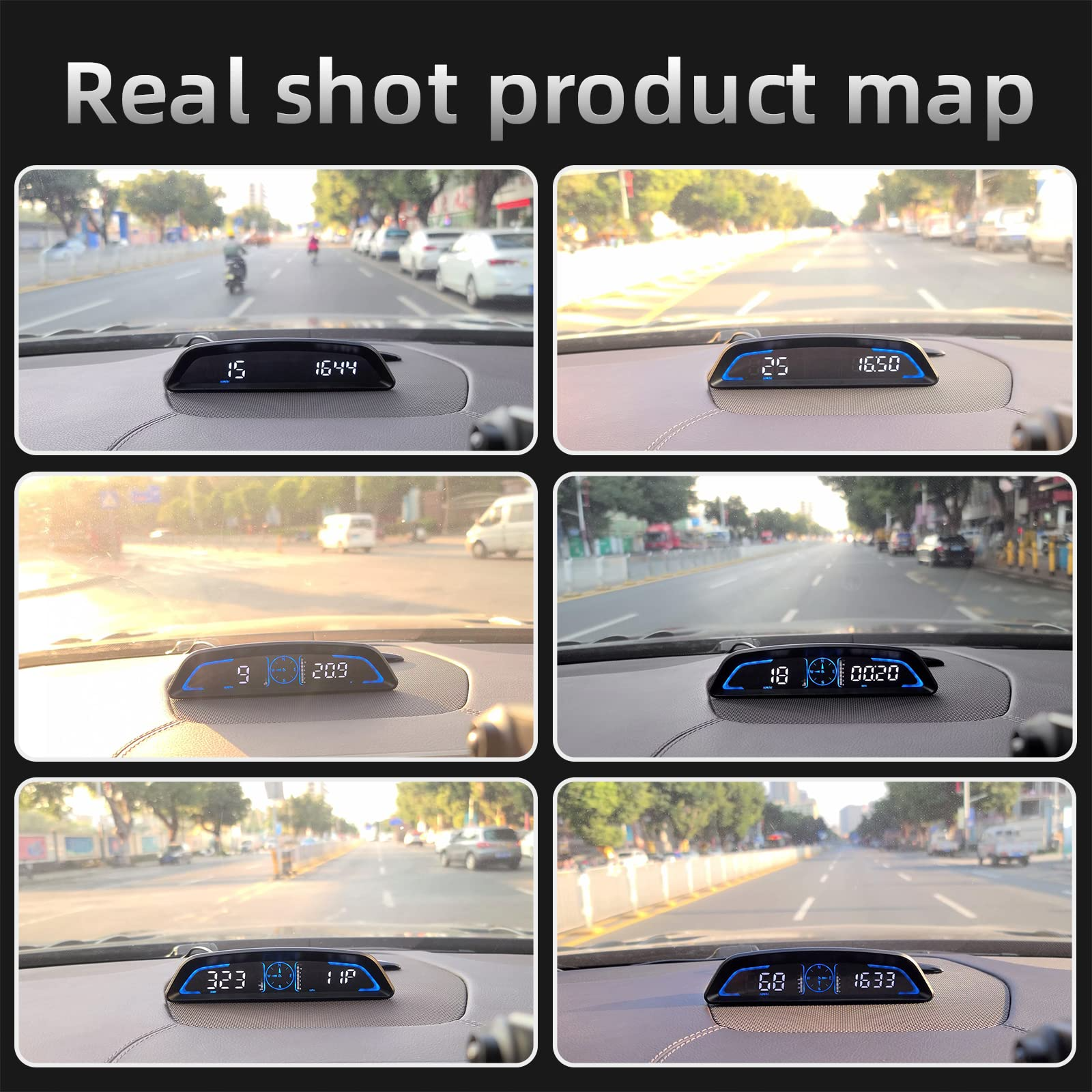
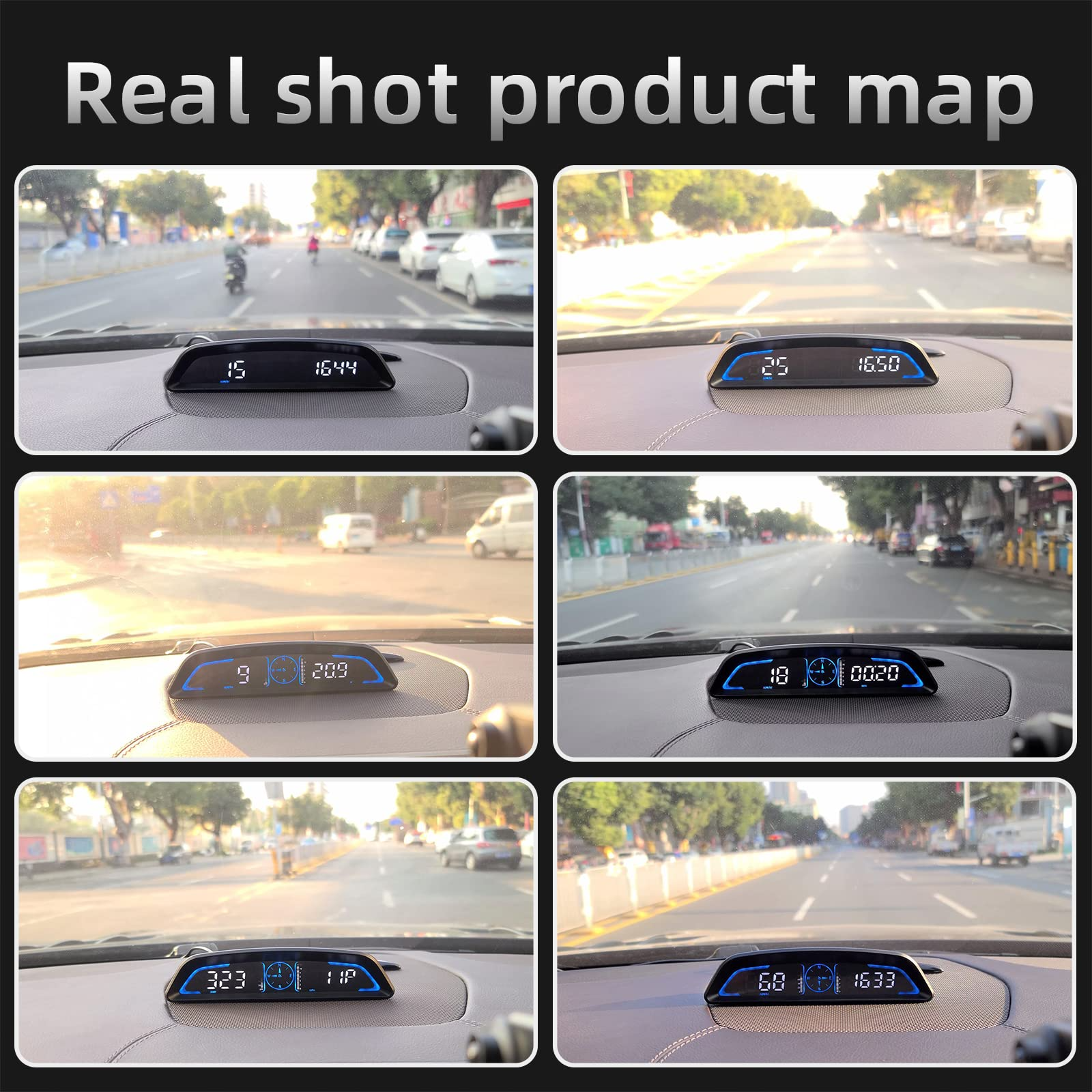
HD Data Display: Equipped with an automatic light-sensitive screen, no need to adjust manually, it will automatically adjust the
most suitable display brightness according to the external light, whether in the daytime or at night you can get the clearest data,
no longer worry about the problem of not being able to see the display when the sun is strong
Technology Processing Chip: The digital GPS speedometer hud build-in the chip super performance and compatibility, dual-running
memory, and dual-core processor to ensure smooth high-speed operation which offers the data to help your car travel life, effectively
reducing the problem of data delay, real-time follow up driving speed
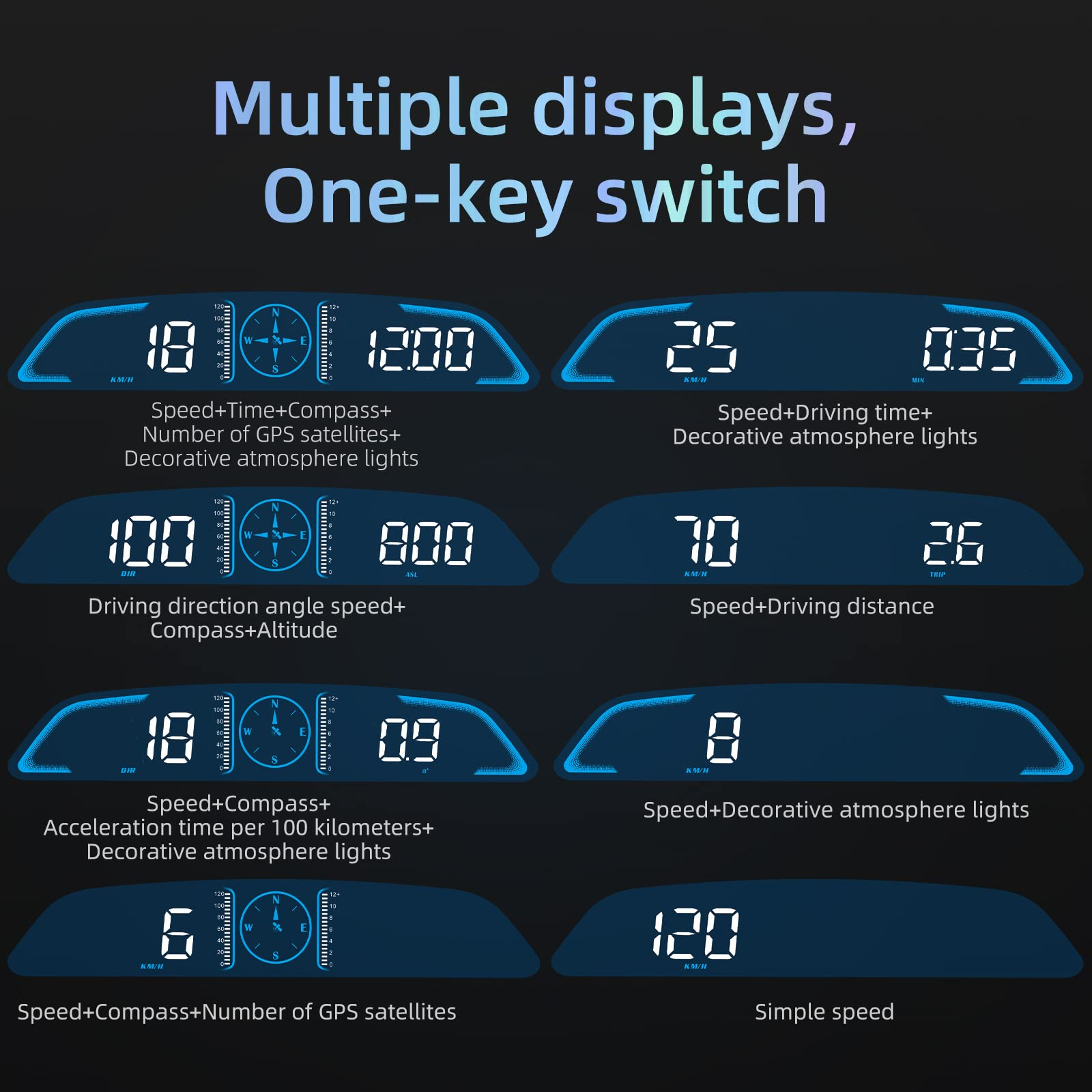
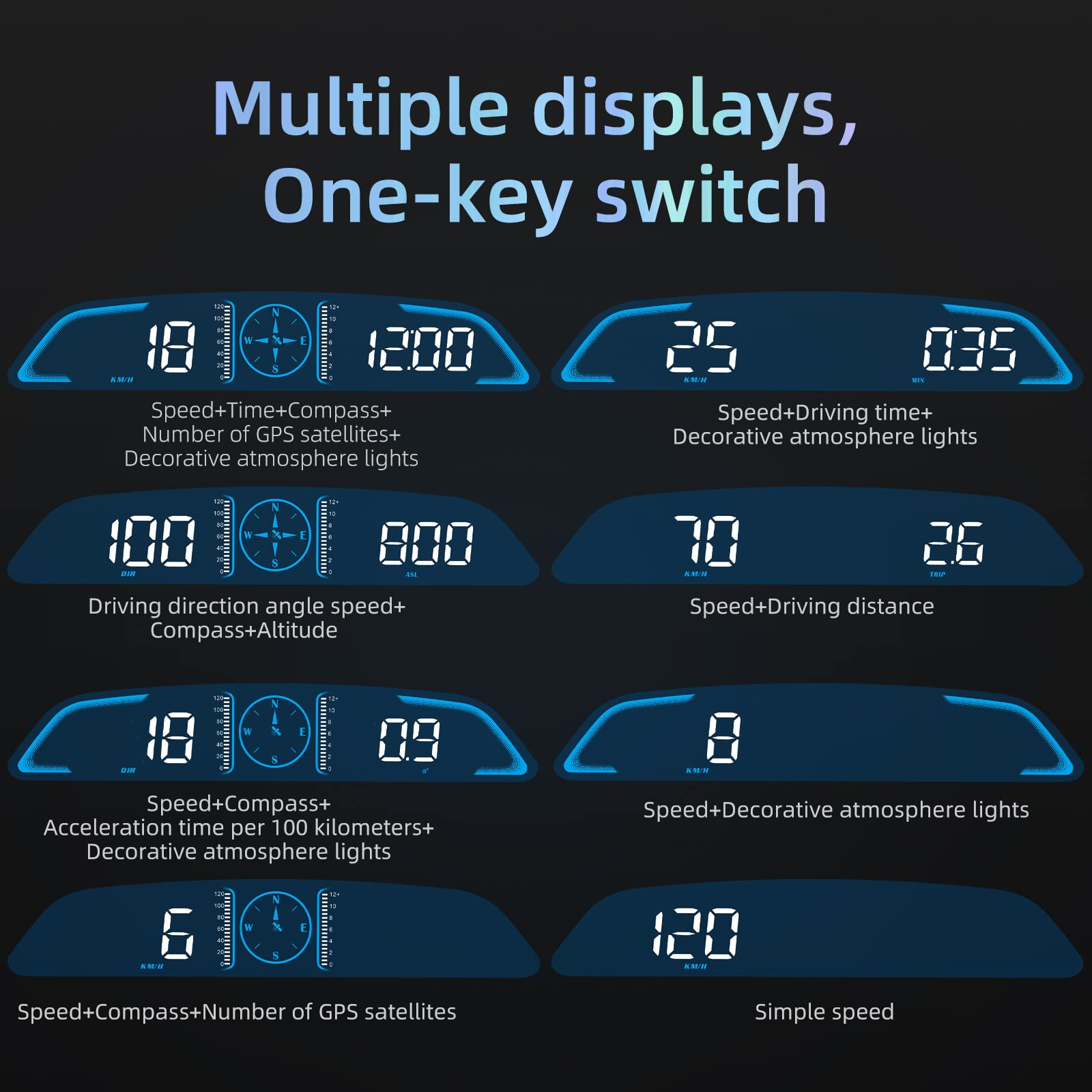
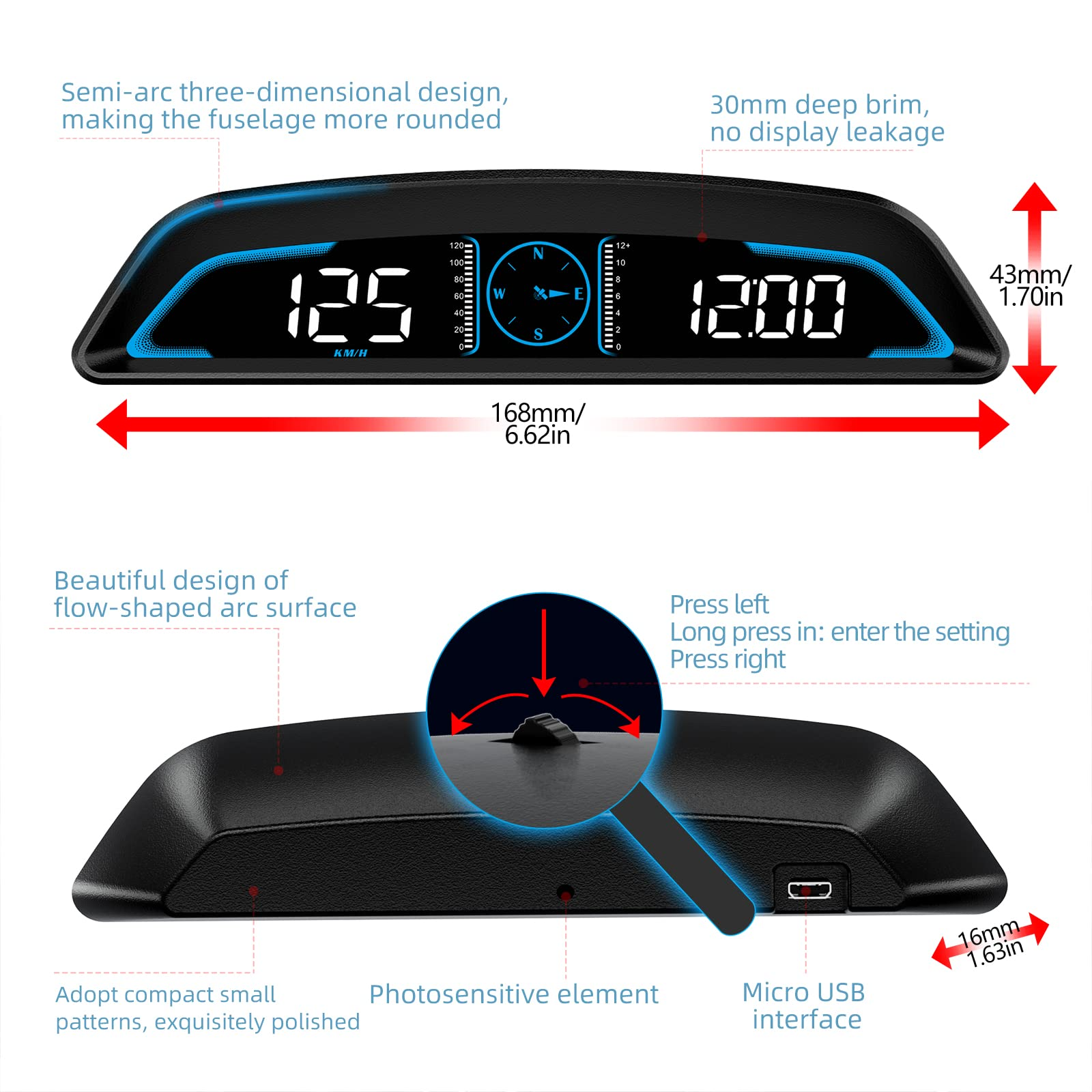
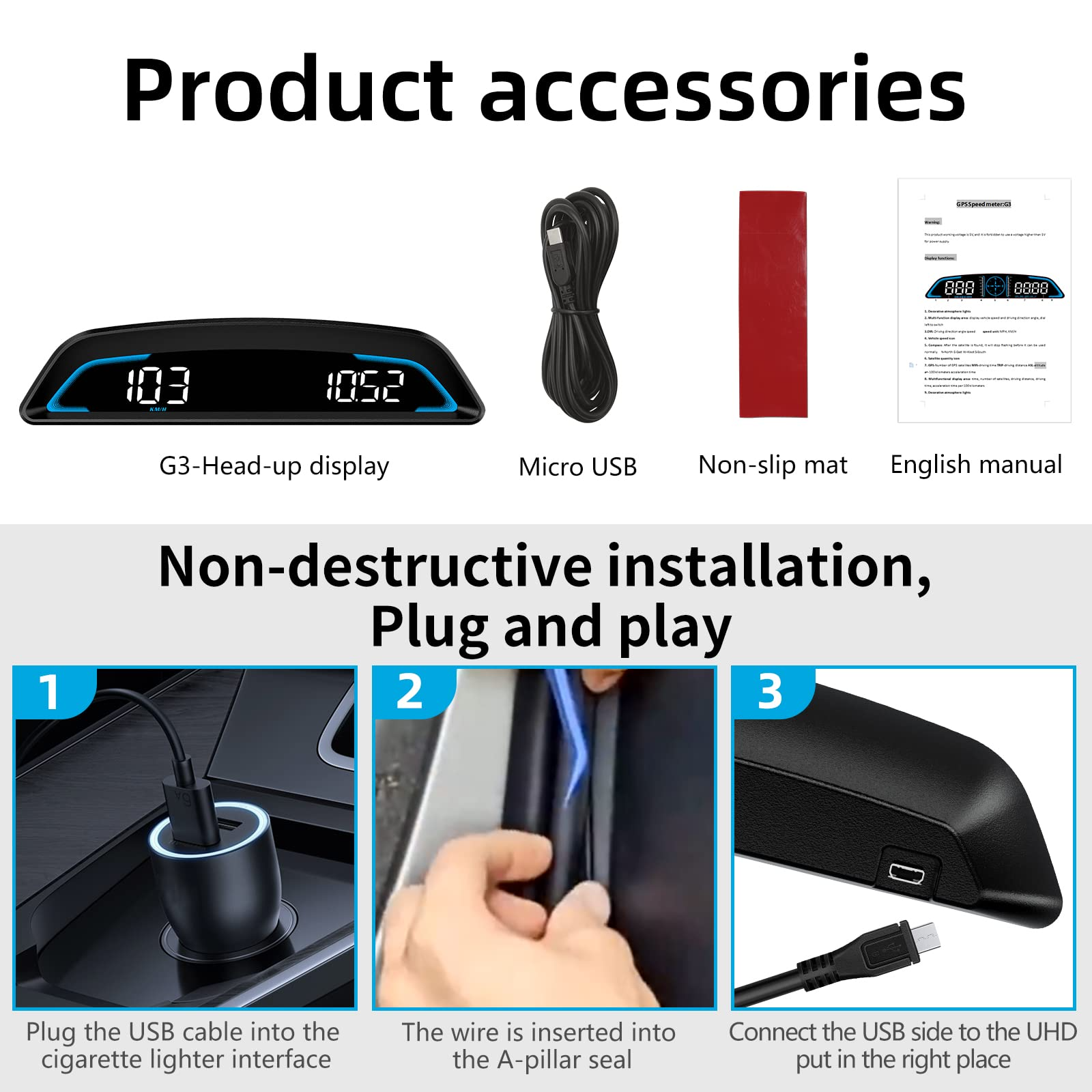
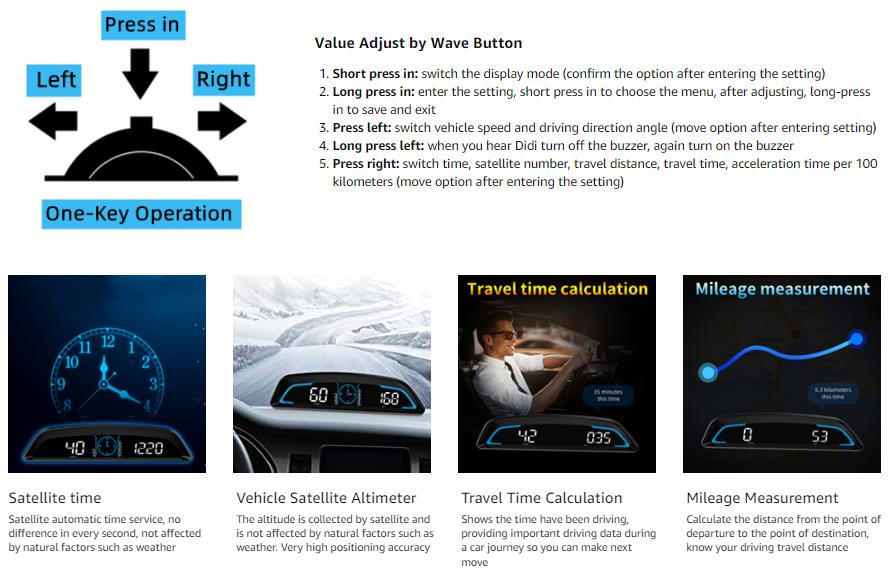
Easy to Use& Warranty: One key operation, press for 2 seconds to enter the setting menu, short press to switch the display mode,
left to switch the speed and driving direction angle, right to switch the time, number of satellites, driving distance, driving time, etc.
Warm Tips: As most of the HUDs GPS speedometers on the market show, they can only show the current mileage driven. Because it
depends on the car power supply to work, it can't keep the previous distance data when the car is turned off, and can't accumulate
the total distance driven with the power off.
Brightness Auto-sensitive & Manual Adjustment: The default setting is auto-sensitive brightness. How to get the highest display
brightness? 1. long press the wheel button to enter the setting menu. 2. short press the wheel button to enter the 4th setting, and
adjust the value to "11" to achieve the highest brightness. 3. short press once to confirm the setting. Since the sensor brightness is
adjusted by the light level of the small hole on the back of the display, when the sensor hole is blocked, the brightness will be reduced.
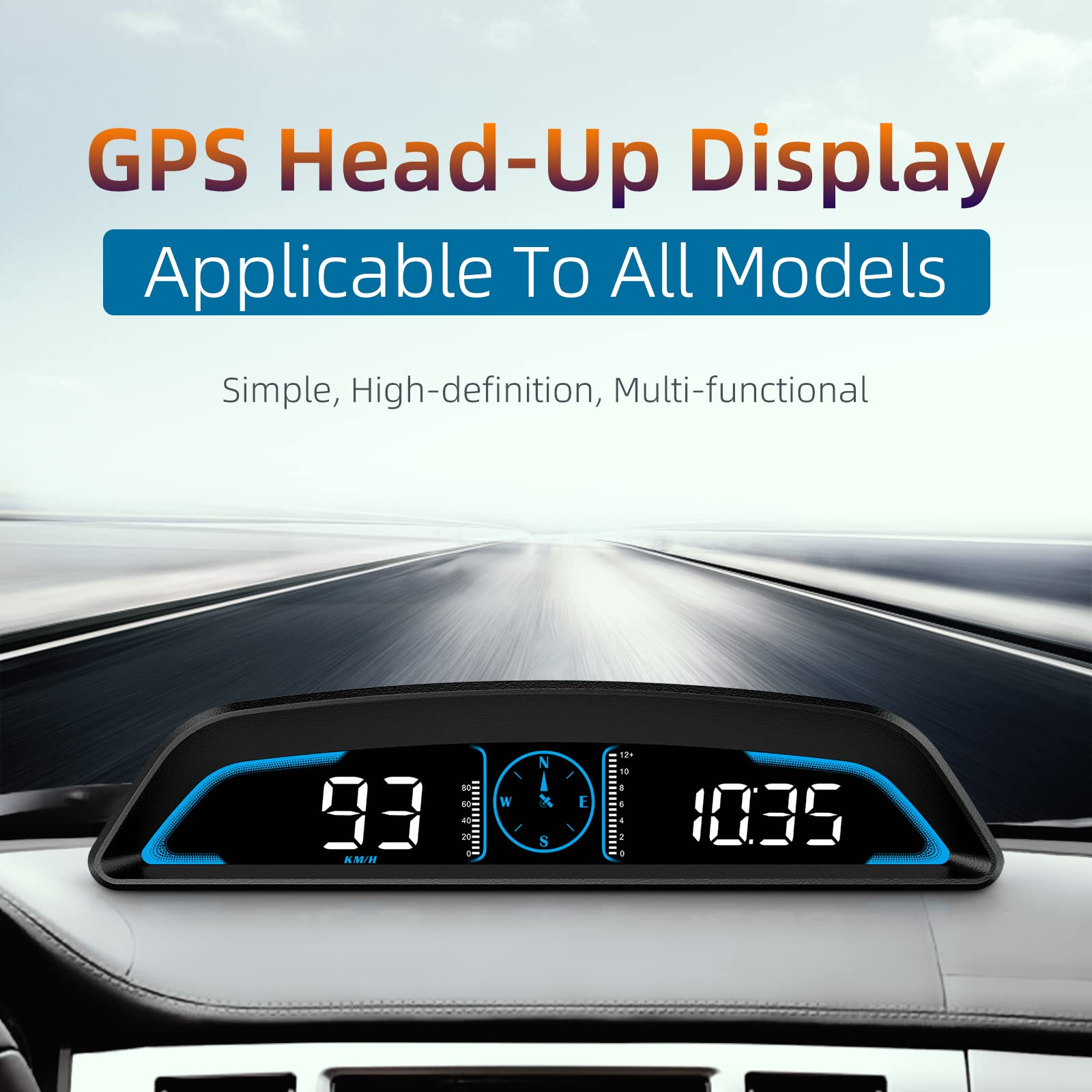
Convenient, High-definintion, Multi-functional GPS Heads-up Display Compatibility for All Vehicle
How to set it for getting a more accurate display:
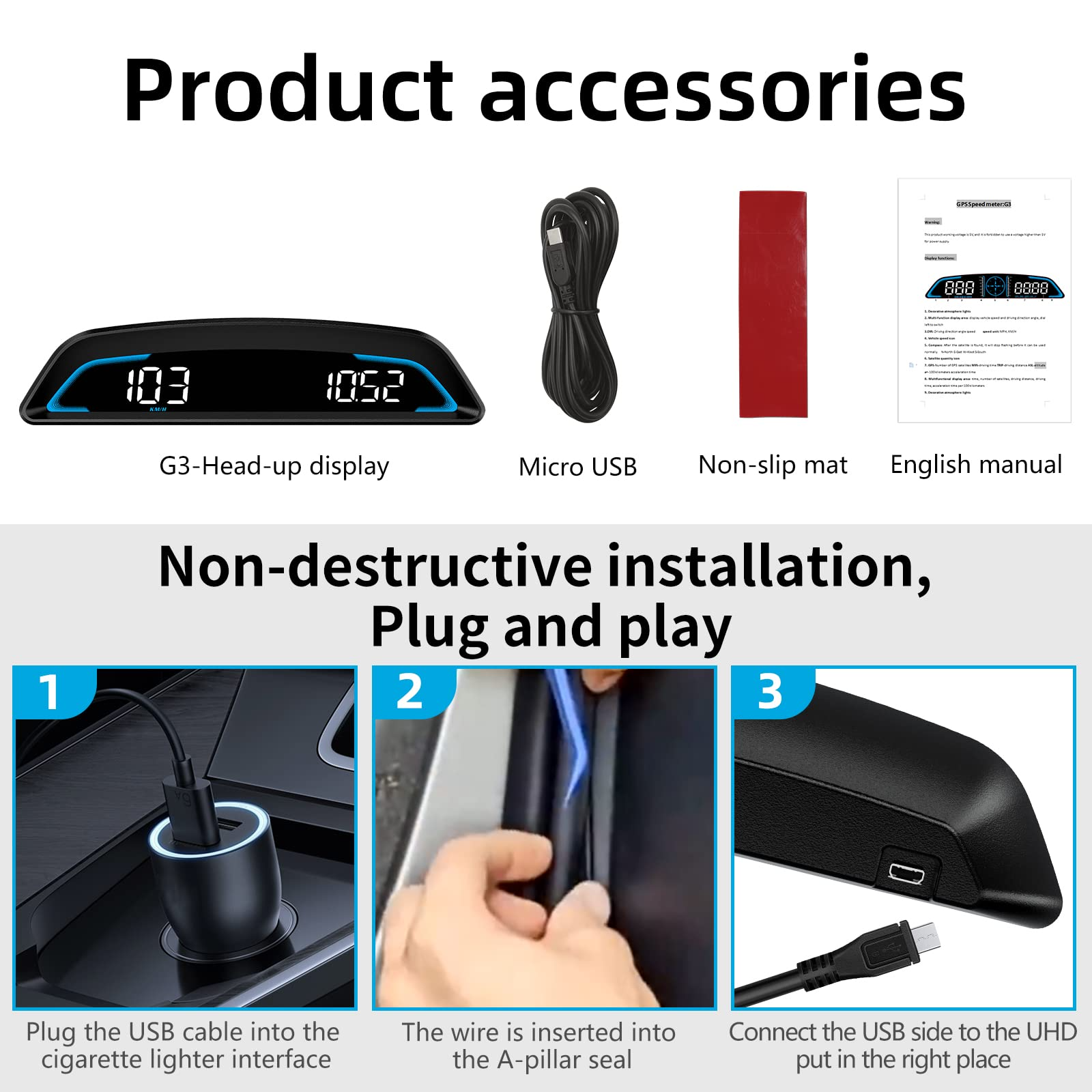
- Connect the HUD display to your car
- We can see the satellite is flashing and searching for a star
- When the satellite stops flashing, press the key button and hold to enter setting item 6 to adjust the calibration local time
- Check if the speed unit is accurate, you can go to item 5 to set the speed unit to MPH/KMH, i.e. "1"/"0"
- Fine-tune the speed to be accurate, e.g. if the dashboard shows 100, and the device shows the 105, change the
default value at 102
Connect Notice:
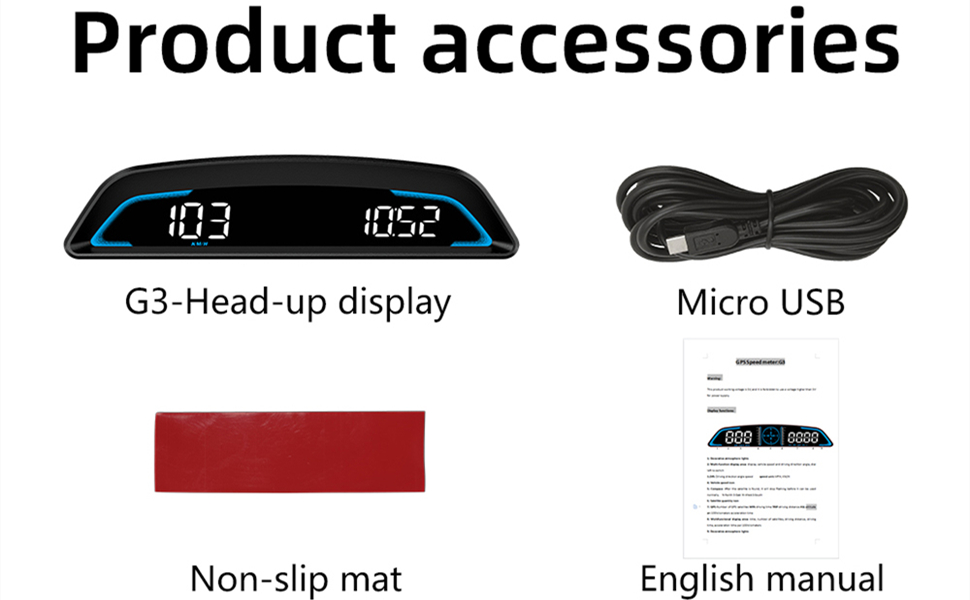
- The Mirco USB port on the GPS speedometer is fixed by the card position and solder, please help try not to shake
the charging port frequently when the power is on. - Any connect or installation doubt of the product will solve by the SinoTrack team, we will provide a solution to
your satisfaction.
Product Troubleshooting
1. The screen without any display, and no power
Check whether the USB cable is damaged, replace the USB cable for testing, and prohibit the use of voltage higher than
5V for the power supply
2. Without car speed
After HUD power-on, the satellite icon flashes will start to find the satellite. Please drive the car to the road. It will work
after it stops flashing
3. Time adjustment
After the satellite icon is flashing and the satellite is found, long-press in to enter the setting, short press in to turn to 6,
adjust and calibrate the local time
4. Inaccurate speed
a. First, check whether the speed unit is correct or not, the speed unit includes KM/H and MPH, please refer to the
setting to switch the unit.
b. The car manufacturers usually make the dashboard speed 5-7% higher than the ECU. The international standard is
based on satellite data. (if the dashboard shows 100, and the device shows the 105, change the default value to 102)
5. Driving direction display error
After the vehicle speed exceeds 5KM / H, the direction can be displayed normally.
6. Speed is still displayed after the car stops
Under the underground parking lot, tunnel, and under the overpass, there will be unstable satellite drift when there is
obstruction.
7. Turn off the buzzer
Press left for 2 seconds to turn off the buzzer, again to turn it on.